Style Guide
Use this page for every new document and every update. Match the examples; do not invent a parallel format.
Quick Checklist
| Rule | Requirement |
|---|---|
| H1 | One only. Manual pages: # N.N[.N] Title matching the nav label. No emoji. |
| H2–H4 | Title Case on operational pages. Sentence case only on Act / legal excerpt pages in section 2. |
| Depth | Stop at H4. Never skip a level (no H2 → H4). |
| Specs | 3+ fields → \| Item \| Detail \| table. 1–2 fields → - **Label:** value. |
| Bullets | Hyphen - only. Nest with 4 spaces. Numbered lists for procedures only. |
| Admonitions | note, info, tip, warning, danger only. Block level. Title Case titles. |
| Images | Immediately after the section they illustrate. Descriptive alt text. |
| Footer | Collapsed Version Control → Next Review Date: → Related Documents. Always in that order. |
| TOC | None in the page body. MkDocs supplies the sidebar. |
| Dividers | No --- in the body. Do not put a rule above the footer. |
Headings
H1
One H1 per page. It is the page title.
| Page type | H1 pattern | Example |
|---|---|---|
| Manual section | # N.N[.N] Title matching the nav label in mkdocs.yml |
# 3.1.1 Bore Pump |
| Nested Overview entry | Use the parent section number and title, not the word Overview | # 3.1 Water Supply (nav child may say Overview) |
| Top-level page | Match the nav label | # Style Guide |
| Home | Full manual title (exception) | # Lake Bennett Estate - Operations and Maintenance Manual |
Do not duplicate the H1 later in the file. Do not put emoji in any heading.
Filename and H1 are independent. The H1 follows the nav label (# 3.1.3 Chlorine Dosing), not the file slug (3.1.3-chlorine-dosing-system.md).
H2 to H4 — Title Case
On operational and technical pages, write H2–H4 in Title Case.
- Capitalize principal words
- Keep acronyms as acronyms (WWTP, SSP, UV, LED, OWMS)
- Lowercase small words unless they are first or last: a, an, and, as, at, but, by, for, from, in, into, nor, of, on, or, per, the, to, via, with, without
- Put a space before a parenthesis:
Float Switch (High), notFloat Switch(High)
Exception: sentence case is allowed on legal and regulatory excerpt pages in section 2 (Site Plan) when the heading quotes or tracks Act / Schedule wording, for example ### When Consent Is Required (Schedule 5, clause 5) may stay close to the source. Prefer Title Case when you are writing original structure, not quoting the Act.
Depth and Order
- Maximum depth is H4. Prefer an H3 plus a table or bullets instead of H5.
- Do not skip levels: H1 → H2 → H3 → H4.
- Do not use a numbered list as a substitute for headings when the items are categories (use an H3 and bullets instead).
Specs and Lists
Tables vs Bullets
| Situation | Format |
|---|---|
| 3 or more spec fields for one component | \| Item \| Detail \| table |
| 1 or 2 fields | - **Label:** value |
| Operating-logic summary (not a spec sheet) | **Term** — explanation |
| Same component | One format only — never a table and a bullet definition list together |
Table alignment for spec sheets:
| Item | Detail |
|:---|:---|
| **Capacity** | 22,000 L concrete tank |
| **Manufacturer** | Taylex Tanks |
| **Access** | Tank shield anti-access grate |
Bold the label in the first column. Use a different header pair when it is clearer (Valve / Isolates, Parameter / Value, Party / Responsibility).
One or two fields:
- **Location:** Adjacent to the causeway, near the access road to Bungalows 17–59
- **Route:** The main descends the hill and crosses under the road.
Bullet Markers
- Always
-(hyphen). Never*or+. - Nested lists indent 4 spaces per level.
Numbered Lists
Use 1. 2. 3. only for procedures and other sequential steps (sampling, isolation, start-up). Do not number categories, feature lists, or navigation overviews.
1. Disinfect tap outlet with 70% alcohol
2. Flush for at least 5 minutes until temperature and clarity stabilize
3. Collect microbiological samples first
Admonitions
Allowed types: note, info, tip, warning, danger. Map anything else: success → tip, important → warning, question → tip.
Place admonitions at block level between headings. Never nest them inside a list item.
Admonition titles are Title Case: "Training Required", not "Training required".
Rendered types:
Note
Background, superseded documents, or context that is not an instruction.
Info
Neutral reference information.
Tip
Current assessment, recommended practice, or how-to help.
Warning
Estate emergencies, constraints, or actions that need care.
Danger
Immediate safety risk (for example 000 emergencies).
Do not invent footer lines such as **Pending:**. Put pending status in an admonition.
Images
- Place the figure immediately after the heading and text it illustrates, not in a gallery at the bottom of the page.
- Write a real alt-text caption. Do not use “Image Placeholder”.
- Photos: JPG. Diagrams and graphics: PNG. Keep files web-sized.
- Name files in lowercase with hyphens:
db1-generator-inlet.jpg.
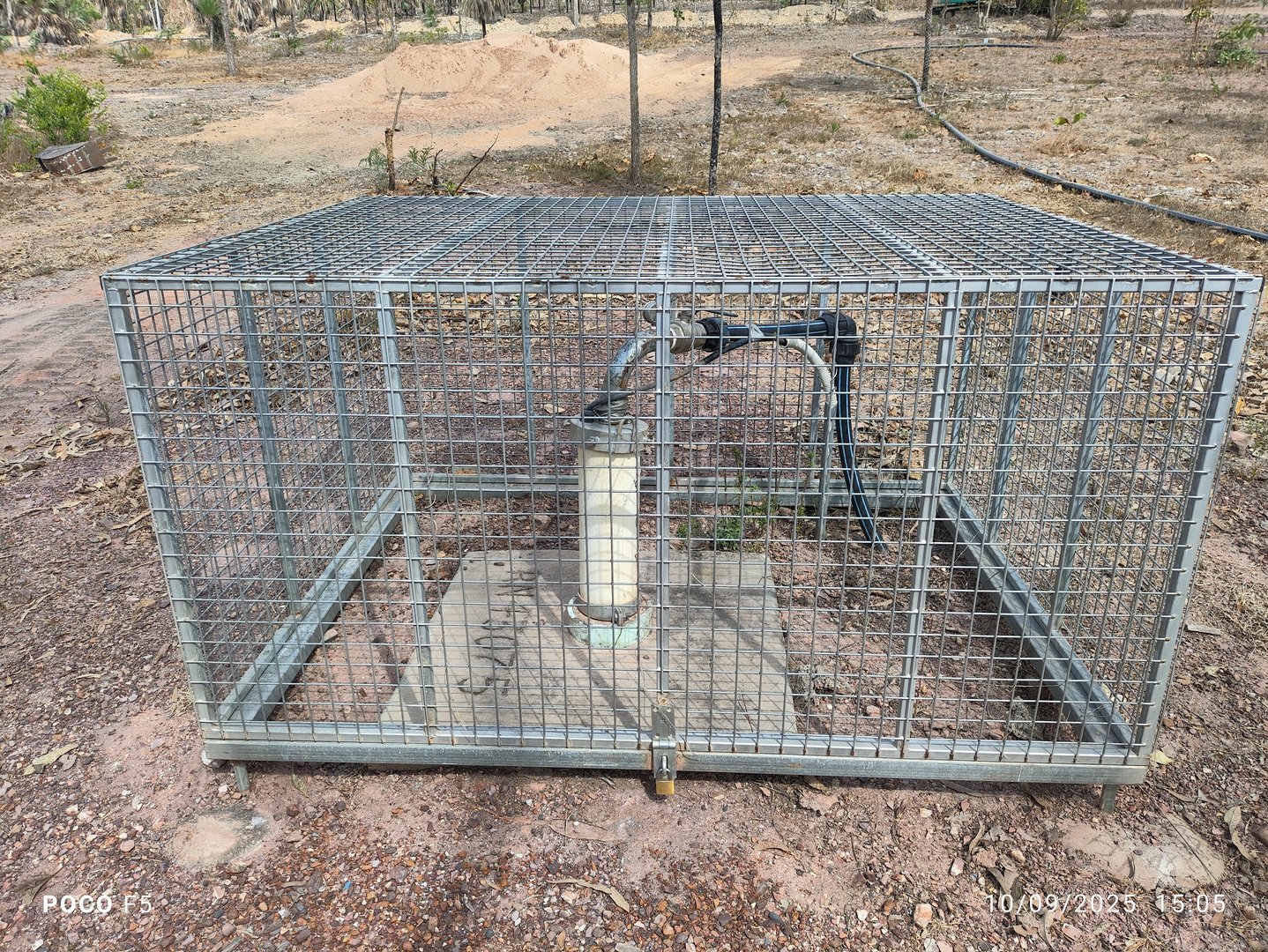
Asset folders and naming rules: Documentation Assets.
QR codes are generated at build time. Do not add them by hand.
Links
- Relative paths from the current file.
- Manual cross-links use the same numbering as the target H1:
[3.1.4 Reticulation](3.1.4-reticulation.md). - Cross-section links include the folder prefix:
[3.3.2 Backup Power](../3-infrastructure/3.3.2-backup-power.md). - PDF and download link text in Title Case, not ALL CAPS:
[Drinking Water Guidelines](../../assets/manuals/DRINKING%20WATER%20GUIDELINES.pdf). - Encode spaces in paths as
%20.
Show on Map Buttons
Where a placemark exists on the Interactive Map, add a locate button after the asset photo. Clicking opens a map lightbox focused on that POI (fallback: full Interactive Map).
<p><a class="md-button md-button--primary lb-map-locate"
   href="/interactive-map/#show=distribution-board-db1"
   data-map-show="Distribution Board DB1"
   data-map-title="Distribution Board DB1">Show on Map</a></p>
data-map-show must match the Infrastructure KMZ placemark name exactly (case insensitive for matching). See Interactive Map.
Page Footer
Every content page ends with this sequence, in this order. Nothing after Related Documents.
??? note "Version Control"

    | Version | Date | Description |
    |:---:|:---:|:---|
    | 1.0 | YYYY-MM-DD | Initial Release |

**Next Review Date:** YYYY-MM-DD

## Related Documents

- [N.N Short Title](relative-path.md)
| Footer rule | Requirement |
|---|---|
| Version Control | Collapsed Material details admonition: ??? note "Version Control". Indent the table 4 spaces. Do not use ## Version Control (keeps the TOC short). Use ???+ only if a page must open expanded. |
| Next Review Date | Always this label. Never “Next Review Due”. Stays outside the collapsible so it remains visible. |
| Review interval | Typically six months from the latest version date. Use a real calendar date (never 29 February in a non-leap year). |
| New page | Start at 1.0 with description Initial Release. |
| Edits | Add 1.1, 1.2, … with a short description of what changed. |
| Rewrite | Use 2.0 only when the page replaces prior content. Do not call 2.0 “Initial Release”. |
| Related Documents | Hyphen list. Link text matches the target H1 numbering and short title. Overview pages list every sub-page. |
| Horizontal rule | Do not insert --- above this footer. |
Page Types
Overview Pages
Examples: 3.1 Water Supply, 3.2 Sewerage, 3.3 Power Supply, 2.3 Zoning.
- Open with one or two sentences that say what the section covers
- Optional status admonition (
!!! tip "Current Assessment"or similar) - Summaries and capacity tables belong here; component procedures belong on sub-pages
- Related Documents must list every sub-page
Infrastructure Detail Pages
- State location as
- **Location:**or as a Location row in the spec table - Specs in tables once there are three or more fields
- Photo directly under the component it shows
- Cross-link parent overview and sibling pages in Related Documents
Legal and Regulatory Pages (Section 2)
- Cite the Act, Schedule, permit, or Articles at the top
- Sentence-case headings are allowed when they track source wording
- Keep numbered lists for sequential approval steps; use bullets for condition lists
Top-Level Pages
Home, Getting Started, Interactive Map, Style Guide: H1 matches the nav label (Home uses the full manual title). Same footer as every other content page. YAML front matter is optional and only when needed (for example the map description).
Search Aliases (Hidden Tags)
Use YAML front matter tags so site search finds a page under alternate names (for example pit three, SPS3, and SSP3 for Pit 3). Hide the tag chips on the page so readers do not see them.
Rules:
- Include both digits and words (
3/three) — the search index does not equate them - Include spaced and unspaced codes (
SPS 3/SPS3,SSP 3/SSP3) - Keep aliases short and specific; do not dump unrelated keywords
- Always pair with
hide: - tagsso chips stay off the document - Tags may still appear in the search result preview; that is expected
Apply this pattern to pits, switchboards, LAA / absorption beds, and other assets with multiple common names.
Files and Navigation
- Create the markdown file under
docs/using lowercase and hyphens:docs/sections/3-infrastructure/3.1.6-example.md - Add a nav entry in
mkdocs.yml. The label must match the H1 (without#) - Link the new page from the parent overview and from Related Documents on siblings that should point here
- Do not add an inline Table of Contents
- Build with
./build-docs.shso QR codes and the PDF catch the new page
New Page Template
Copy this, then replace the placeholders.
---
tags:
- example alias
hide:
- tags
---
# N.N[.N] Page Title
One or two sentences that state what this page covers.
## Overview
- **Location:** Place, landmark, or lot reference
!!! tip "Current Assessment"
Short operational status, if useful.
## Specifications
| Item | Detail |
|:---|:---|
| **Item One** | Value |
| **Item Two** | Value |
| **Item Three** | Value |

## Procedure Name
1. First step
2. Second step
3. Third step
??? note "Version Control"
| Version | Date | Description |
|:---:|:---:|:---|
| 1.0 | YYYY-MM-DD | Initial Release |
**Next Review Date:** YYYY-MM-DD
## Related Documents
- [N.N Parent Overview](parent.md)
- [N.N Sibling Page](sibling.md)
Version Control
| Version | Date | Description |
|---|---|---|
| 1.0 | 2026-08-29 | Initial Release |
| 1.1 | 2026-10-21 | Documented Show on Map locate buttons |
| 1.2 | 2026-10-30 | Search aliases via hidden tags (digits, words, SPS/SSP codes) |
| 1.3 | 2026-10-30 | Site-wide search aliases applied; maintain via scripts/apply-search-aliases.py |
| 1.4 | 2026-11-01 | Version Control footers use collapsed ??? note admonitions |
Next Review Date: 2027-04-30